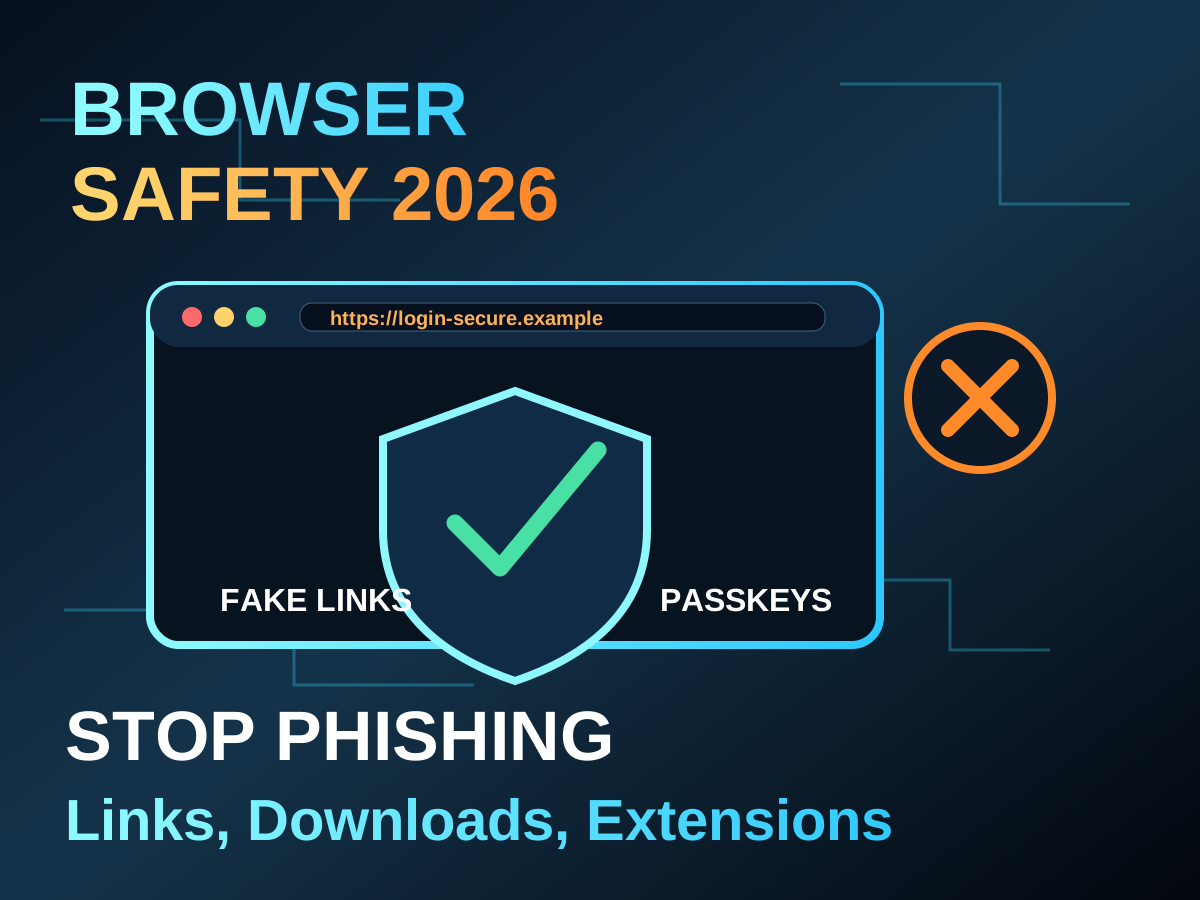
The browser is where work, shopping, banking, learning, and entertainment meet. That makes it a favourite target. Attackers do not need to break your computer if they can trick you into logging in on a fake page or installing a bad extension.
Browser safety does not require fear. It requires a few repeatable habits. Check the address before logging in. Use a password manager or passkeys. Keep extensions minimal. Download software from official sources. Slow down when a message creates panic.
Everyday safety checklist
- Keep the browser updated.
- Remove extensions you no longer use.
- Use unique passwords or passkeys for important accounts.
- Do not log in from links sent in urgent messages.
- Download apps from official websites or trusted stores.
- Turn on two-factor authentication for email, banking, and social accounts.
Red flags
| Warning sign | What to do |
|---|---|
| Urgent account closure message | Open the site manually, do not click the link |
| Unexpected browser extension request | Cancel and inspect the source |
| Too-good-to-be-true offer | Search the company separately |
| Download asks to disable security | Stop immediately |
AI has made fake emails and messages sound more natural, so grammar alone is no longer a reliable clue. Context matters more. If a message asks for money, login, documents, or urgent action, verify through a separate channel.
The safest browser habit is pause before trust. A ten-second check can prevent hours of damage.