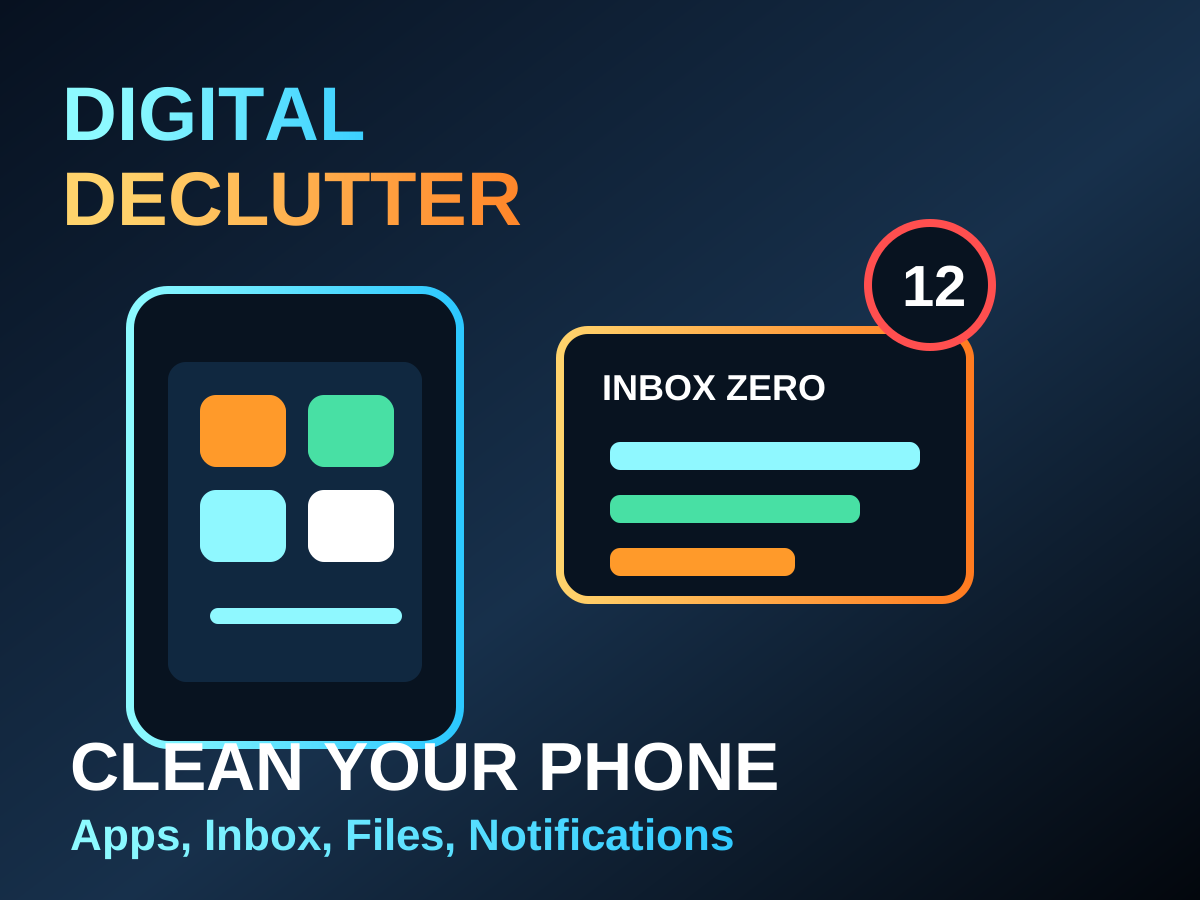
Digital declutter is popular because phones and inboxes quietly become stressful. Too many apps, notifications, files, screenshots, and unread messages make every day feel noisy. The solution does not need to be extreme. A simple reset can make your tools feel useful again.
Start with notifications
Notifications are the fastest win. Keep alerts for people and urgent work. Turn off promotional, repeated, and low-value alerts. If an app can wait until you open it, it probably does not need a notification.
One-hour reset
- Delete apps you have not used in 60 days.
- Move important apps to the first screen.
- Turn off non-essential notifications.
- Archive or delete old screenshots.
- Create three folders: Work, Money, Personal.
- Unsubscribe from five emails you never read.
Inbox rule
| Email type | Action |
|---|---|
| Bill or bank alert | Keep or label |
| Newsletter you read | Keep |
| Promotion you ignore | Unsubscribe |
| Old one-time update | Archive |
The goal is not a perfect empty inbox. The goal is a system where important things are easier to notice.
A digital declutter works when it reduces decisions. Fewer alerts, fewer apps, and clearer folders make daily work lighter.