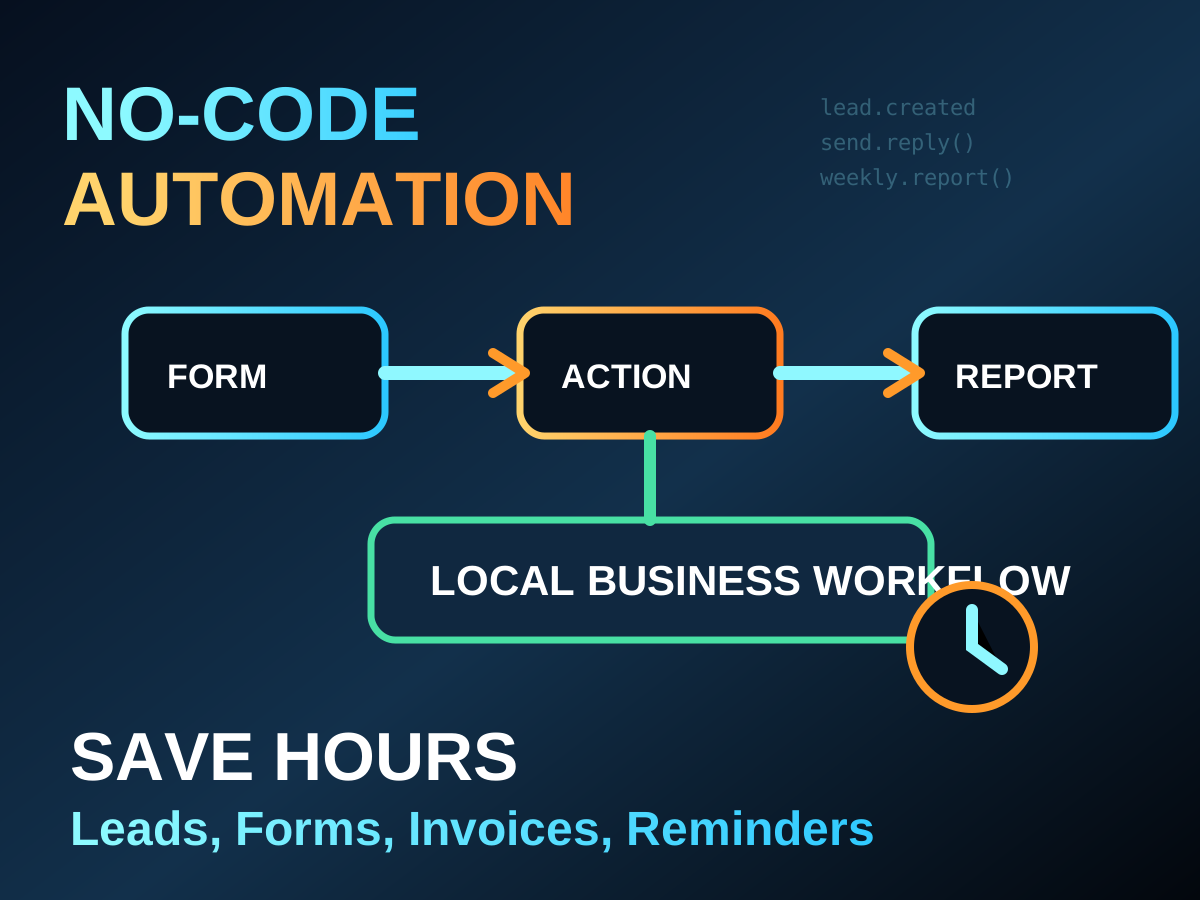
No-code automation is popular because many local businesses lose time on repeated tasks: appointment reminders, missed leads, invoice follow-ups, feedback forms, and daily reports. A small automation can save hours without requiring a full software team.
The safest first automations are low-risk and easy to review. Start with reminders and drafts, not payments or account deletion. Automation should support the owner, not surprise customers.
Good starter workflows
- Send appointment reminder drafts each morning.
- Collect website form leads into a sheet or CRM.
- Create invoice follow-up reminders after seven days.
- Send a thank-you message after a completed service.
- Generate a weekly sales or inquiry summary.
Safety rules
| Workflow | Safe control |
|---|---|
| Customer messages | Review before sending at first |
| Payments | Never automate without approval |
| Data updates | Keep a change log |
| Lead follow-up | Respect opt-outs and privacy |
Small businesses should document each automation in plain language: what triggers it, what it sends, who receives it, and how to stop it. That makes the system easier to trust.
A good no-code workflow feels boring after one week because the repeated work quietly disappears.